Get Started (Windows x64)
Welcome to MOUSSIR26. This guide will help you set up your professional management ecosystem in minutes. Whether you're a small business or a large enterprise, we've designed our tools to be powerful yet easy to deploy.
1. Download the Installer
First, you need to download the correct version for your operating system. Currently, we offer a dedicated Windows application designed for maximum performance and offline-first reliability.
Go to Download Page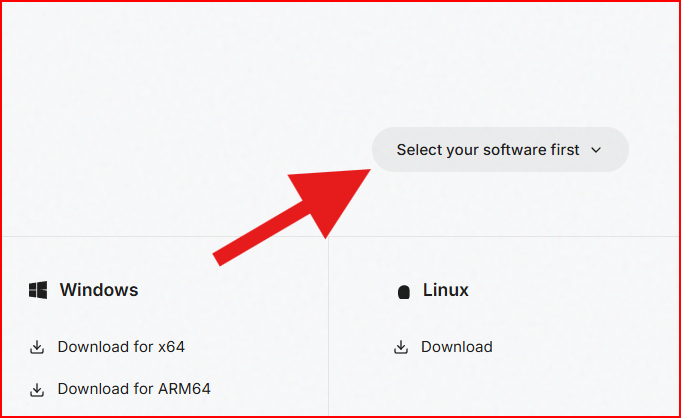
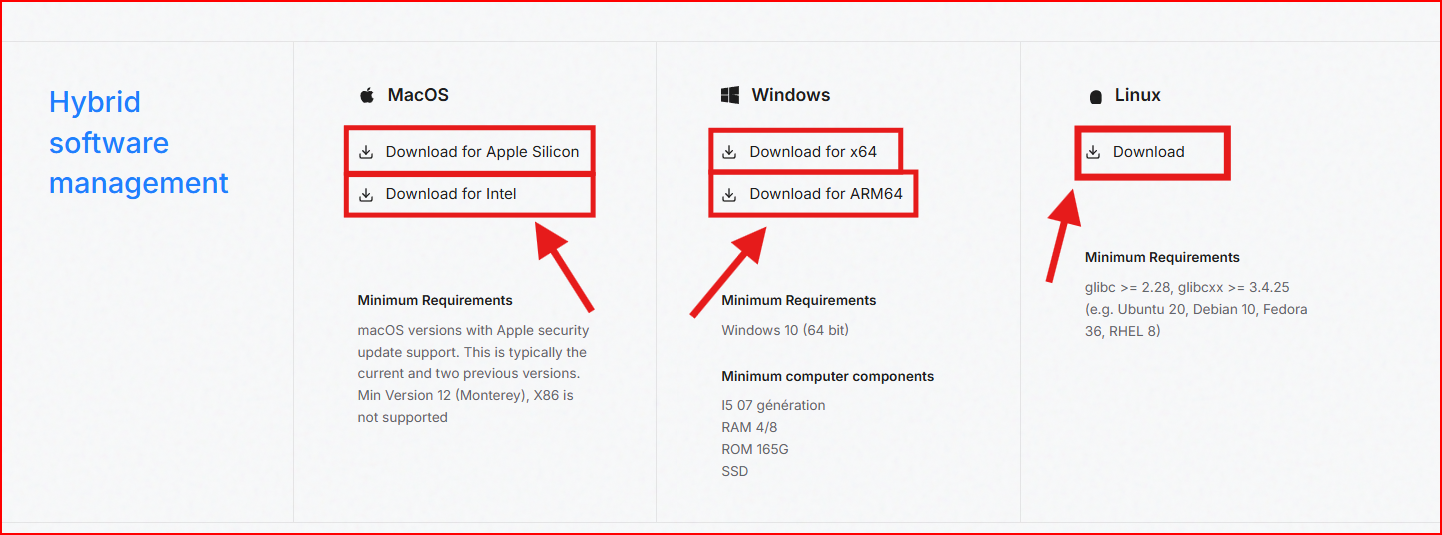
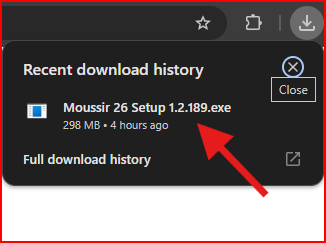
2. Install the Software
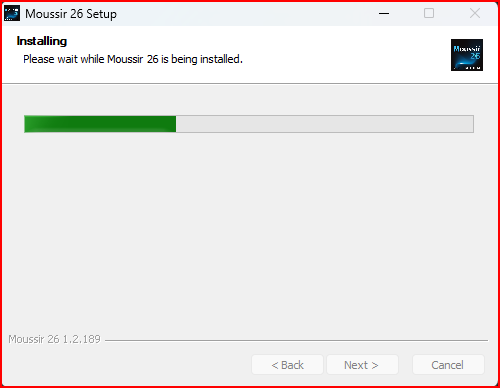
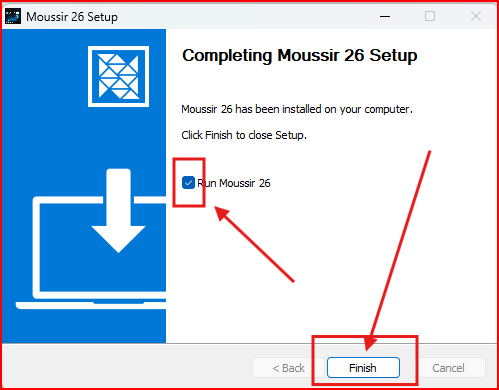
Once the download is complete, run the installer. The process is fully automated. You don't need to manually configure complicated paths or environment variables.
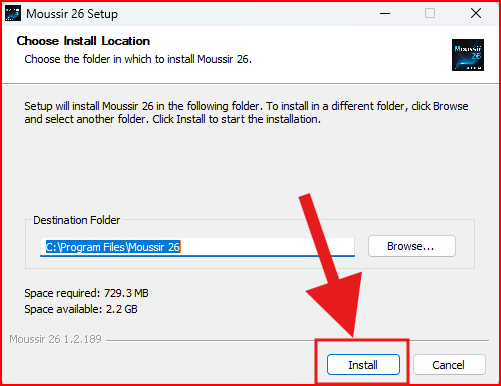
3. Activation
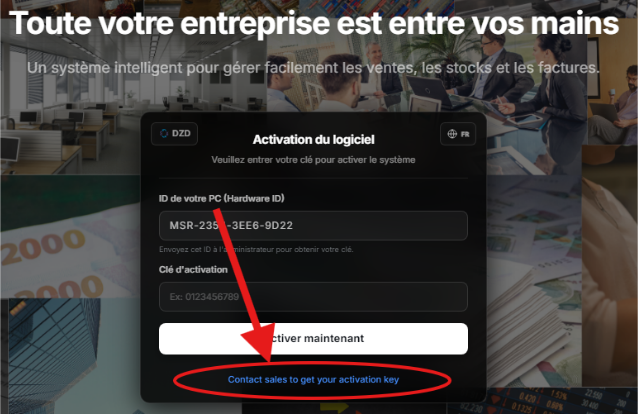
Launch the application and enter your license key. If you don't have a key yet, you can send message to our sales team to get the activation key for your trial 07 days version or purchase a subscription directly by clicking: here
4. Connect your Database
MOUSSIR26 supports only local SQL lite storage. For the الإدارة التجارية version, you must contact our sales team to get specific features & pricing adapted to your company.